New: Archived Folder & Smart Conversation Labels
A clean inbox is a productive inbox. Today, we're rolling out two small but mighty updates to help you organize your LinkedIn conversations and focus on what truly drives revenue.
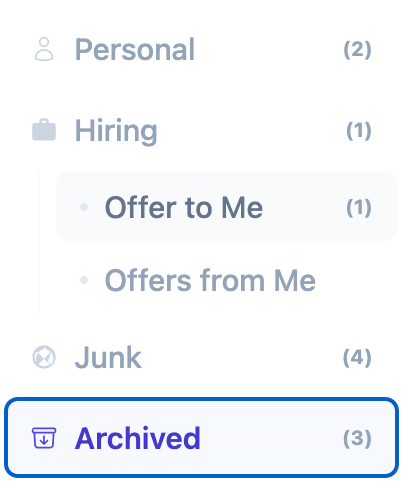
1. The New Archived Folder
We know that sales conversations can pile up quickly. Keeping your primary inbox focused on active deals is crucial. That's why we've added a dedicated Archived folder.
All your archived LinkedIn conversations will now be neatly stored here, keeping them accessible when you need history but out of sight when you're executing your daily follow-ups.
2. Smart Labels: InMail & Sponsored
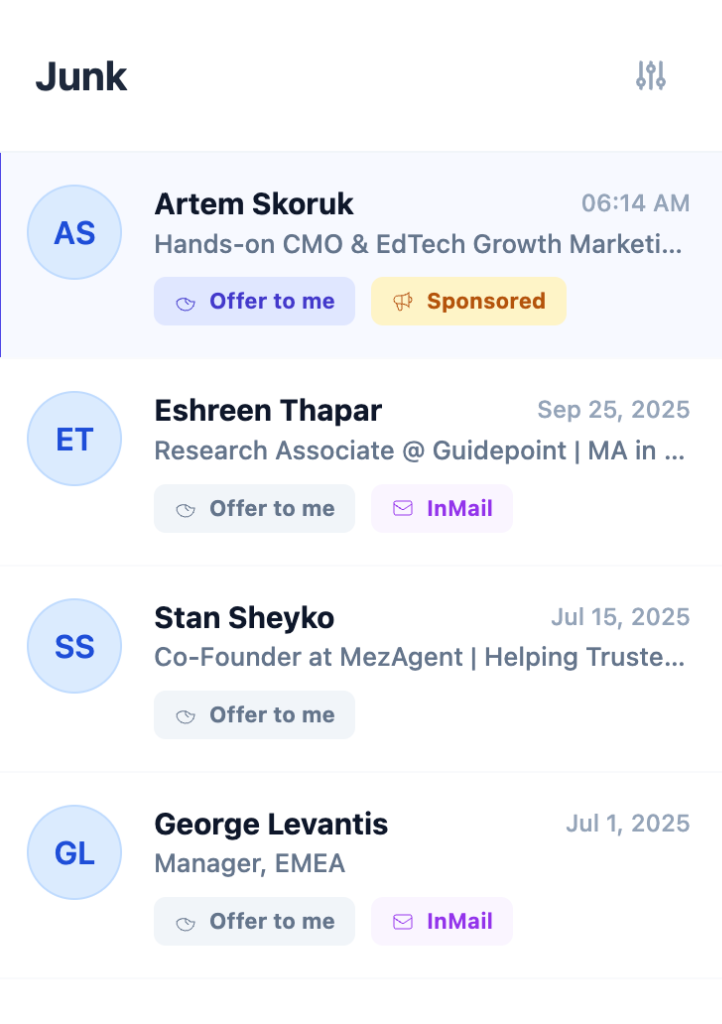
Not all messages are created equal. Distinguishing between a warm organic conversation, a paid InMail, or a Sponsored message at a glance helps you prioritize your time.
We've introduced clear visual labels for InMail and Sponsored conversations directly in your message list.
Why This Matters
These updates are part of our ongoing mission to transform the chaotic LinkedIn interface into a structured sales workspace.
- Focus: Keep your main view for active opportunities.
- Clarity: Know exactly what kind of message you're dealing with before you click.
- Speed: quicker navigation means more time for selling.
These features are live now. Refresh your Linxa workspace (or the web app) to see them in action!